
Case / Work
Automated Logistics & Production-Line Visualization
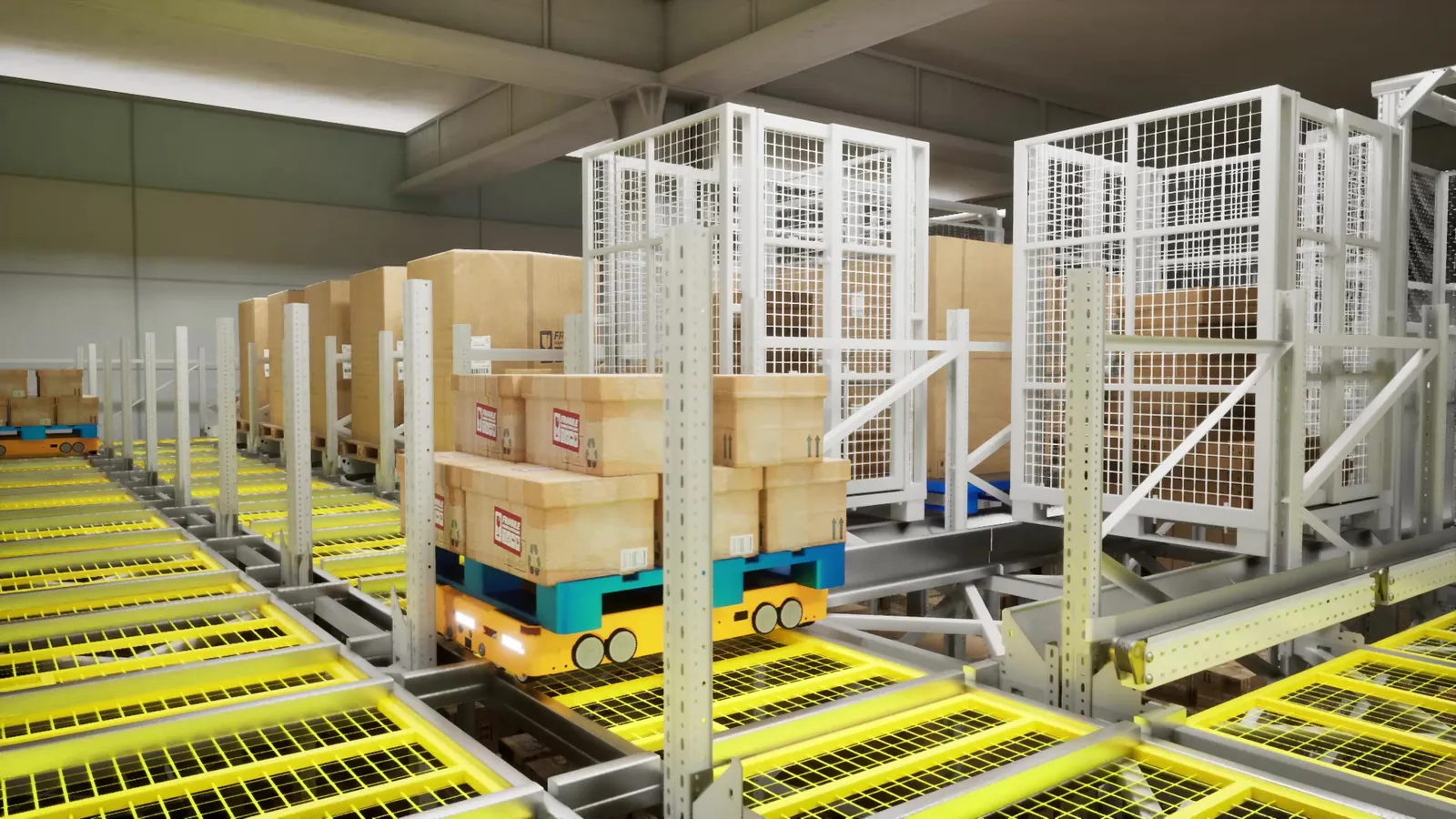
An anonymized project view that organizes production, conveying, storage and handling equipment into a readable 3D account of an automated logistics environment.
Project Visual
Background
What needed to be clear
Production equipment, conveyors, storage areas and handling stages occupied one connected environment, while a single plan could not explain the overall layout and the sequence of material movement at the same time.
This case uses anonymized real-project imagery to show how production areas, conveyors, storage nodes and handling equipment can be organized into a readable 3D narrative. Client names, site marks and sensitive interfaces are excluded; the visible evidence is the equipment relationship and logistics path.
MetaZen’s scope in this type of work covers scene organization, camera design, motion presentation and review outputs. The case documents visualization work only. It does not imply production-control integration and does not replace process, safety or engineering documentation.
Approach
How we handled it
- 01
Organize the 3D scene around spatial and equipment relationships so the line, conveying system and storage areas remain legible
- 02
Connect the important stages through a controlled camera sequence that relates the overall layout to local equipment actions
MetaZen scope
What we actually delivered
- 3D scene organization for the production and logistics environment
- Technical animation of equipment, conveying paths and material movement
- Review-ready stills for web and proposal use
Deliverables
Final outputs
- 01
technical-animation
- 02
visual-stills
Related services & solutions