
Service / Capability
Interactive Exhibitions, Touchscreens & Online Showrooms
Shape company stories, products and project evidence into a coherent visitor journey across touchscreens, large displays and online showrooms. We can deliver the digital experience itself or work alongside an exhibition and hardware team.
Selected work / Related cases
See how the service takes shape in real work
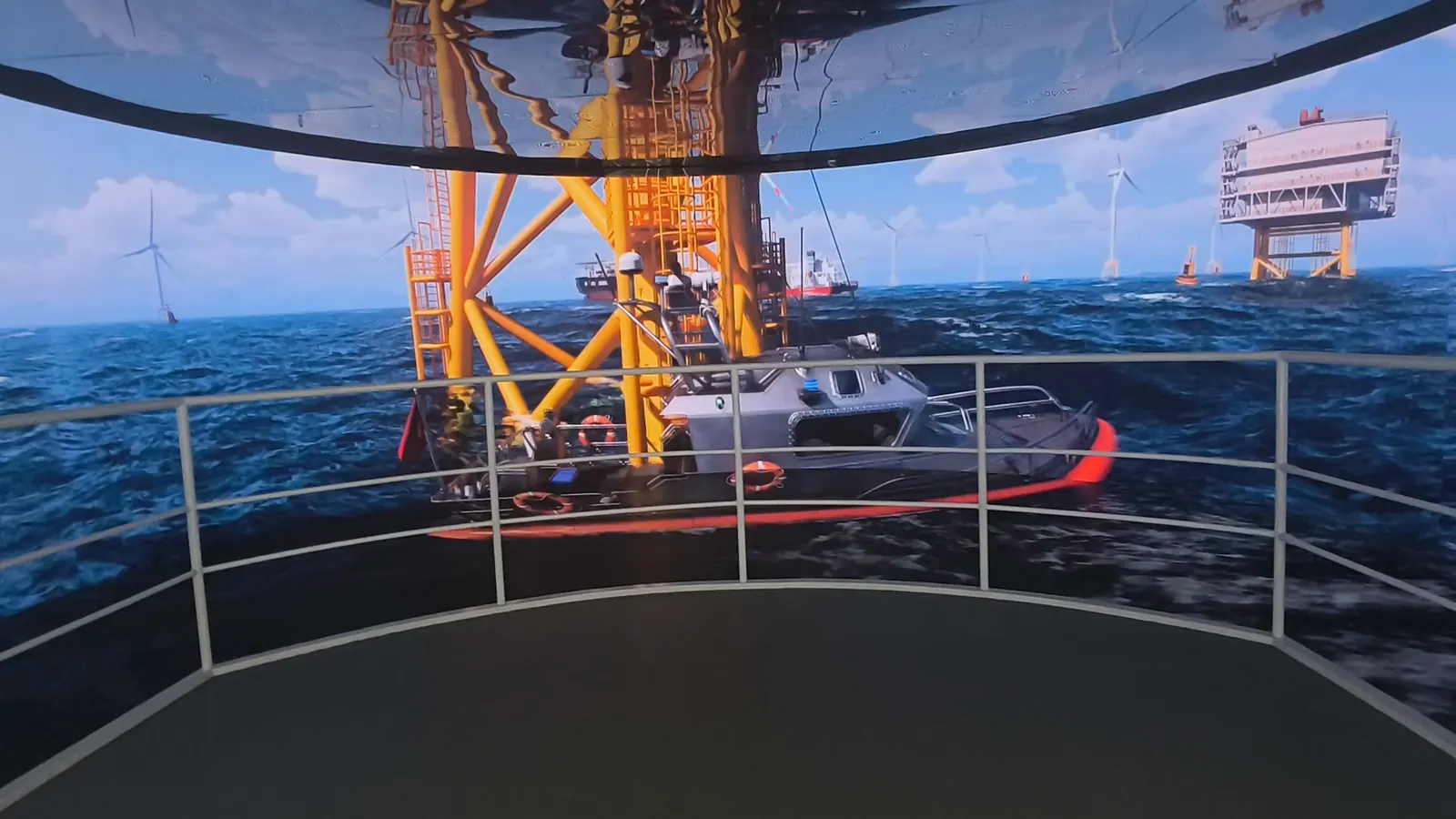
Project framing
Start with the outcome, then choose the format
The visitor journey is the organising idea. Screen roles, presentation rhythm and self-guided interaction are designed around what each audience should understand, then tested on the real device profile.
MetaZen can own the digital content and software within a wider exhibition team, provided device interfaces, integration milestones and acceptance responsibilities are made explicit early.
Who it serves
- Brand, marketing and visitor-experience teams building a corporate showroom
- Museums, galleries and cultural venues extending physical exhibitions digitally
- Event and sales teams preparing guided presentations or product exploration
- Exhibition designers and technical integrators needing interactive content production
Where it fits
- Guide visitors through a company story, capabilities, products and project evidence
- Let visitors browse product families, 3D assets and project locations at their own pace
- Create presentation sequences and visual content for staff-led tours
- Extend a physical venue through a shareable online exhibition
Deliverables
What the engagement can hand over
- 01
A content map, visitor journey, screen list and presentation narrative
- 02
An interactive application tailored to the agreed display and input method
- 03
A browser-based showroom or online exhibition when remote access is required
- 04
Coordinated 3D, animation, video, graphic and interface assets
- 05
A working prototype, device build and agreed content-update handoff
Project inputs
What we need before production starts
- Floor plans, exhibition layouts, visitor routes and venue photos
- Display dimensions, resolutions, input methods and device specifications
- An approved exhibition outline, brand assets, product information and case content
- Language, accessibility, update and staff-presentation requirements
- Network constraints, installation schedule and venue or hardware contacts
Working process
From source material to a deployable release
- 01
Map the visit: define audiences, key takeaways and staff-led versus self-guided moments
- 02
Prototype across screens: turn the outline into a device-aware flow before finished production
- 03
Produce the experience: build media and interaction against the real resolution and input method
- 04
Test and hand off: verify readability, touch targets, playback and fallback states on target hardware
Scope boundaries
Decisions that require explicit agreement
- The default scope is content and interactive software; displays, computers, cabling, construction and show control need named owners
- Multi-screen synchronization, device control and specialist inputs require actual hardware documentation
- Online access, offline builds, editorial tools, updates and on-site support are separate deliverables
Frequently asked
Questions to resolve before kickoff
01Can you work with our exhibition or hardware contractor?
Yes. We need device specifications, input methods, network constraints and installation dates early enough to assign integration responsibilities.
02Can exhibition content change after launch?
It can, provided the update model is chosen early. A lightweight asset swap and a full editorial system are very different scopes.
03Can the physical exhibition also become an online showroom?
Often, but the browser edition needs its own performance, navigation and privacy decisions rather than a direct copy of the kiosk build.
Related cases & solutions