
Service / Capability
Web3D & Digital Twin Visualization
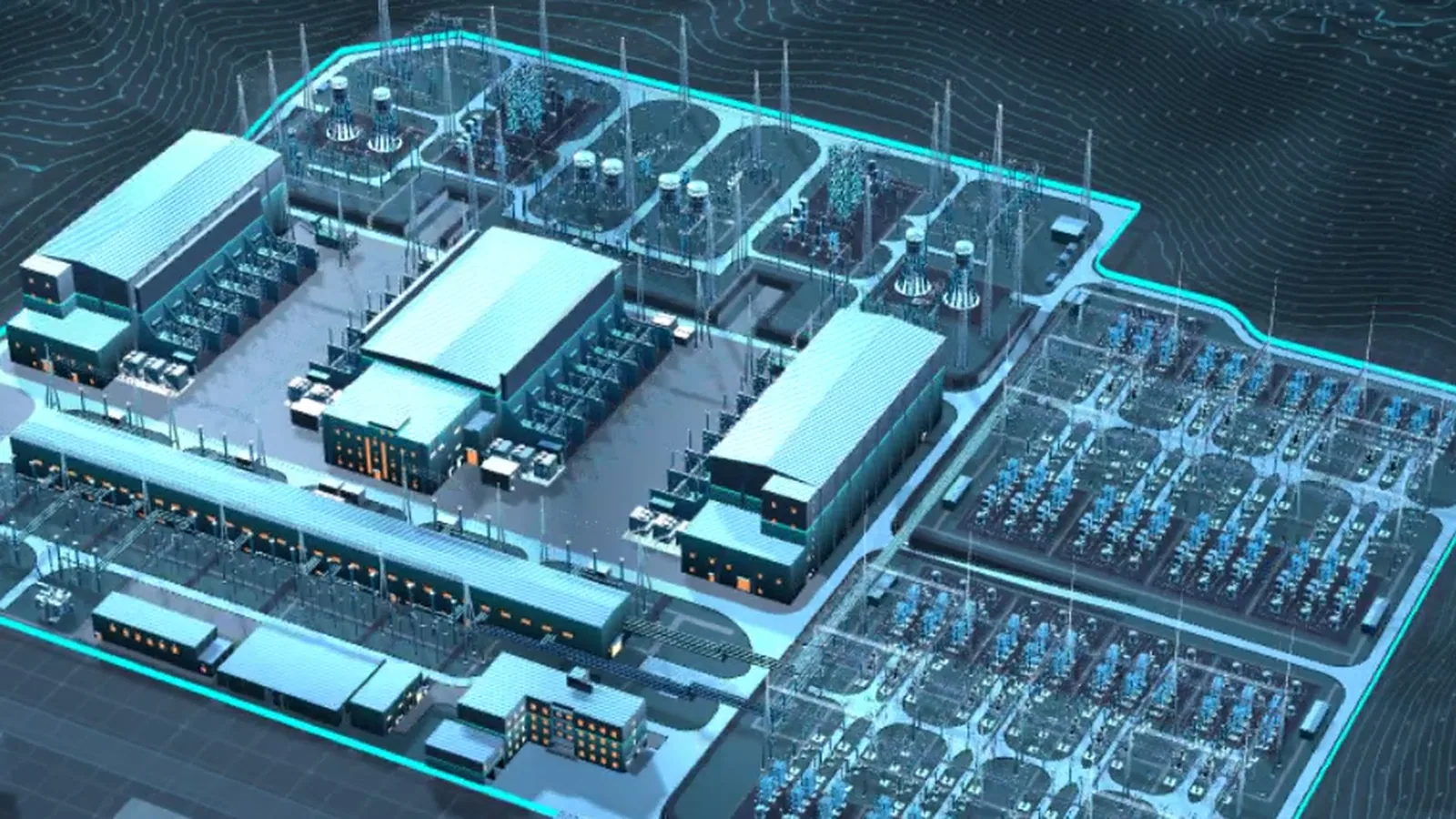
Browser-based 3D experiences for exploring sites, equipment, products and approved project information. Each engagement starts with a defined audience, information scope and deployment context—not an off-the-shelf platform promise.
Selected work / Related cases
See how the service takes shape in real work
Project framing
Start with the outcome, then choose the format
A useful digital twin presentation begins with the decisions an audience needs to make, not with a catalogue of features. We prototype navigation and information hierarchy before committing to full scene production.
When live information or hosting requirements are still being defined, a representative browser edition can establish the visual language and interaction model without overstating the first release.
Who it serves
- Manufacturing and energy teams that need a navigable view of sites and equipment
- Product and equipment teams preparing interactive technical demonstrations
- Exhibition owners planning browser, touchscreen or large-display experiences
- Agencies and integrators looking for a focused 3D visualization partner
Where it fits
- Navigate a site or facility by area, layer or equipment group
- Explain product assemblies and process relationships through guided interaction
- Build a presentation-ready experience for the web, a kiosk or a display wall
- Attach approved information and defined status fields to objects in the scene
Deliverables
What the engagement can hand over
- 01
Optimized scene, equipment and product assets
- 02
A Web3D application with navigation, hotspots, layers and contextual panels
- 03
Information architecture and an interaction prototype
- 04
Builds tested against the agreed browsers and target devices
- 05
Deployable files, setup notes and agreed stills or demonstration video
Project inputs
What we need before production starts
- CAD, STEP, drawings, existing models or an equipment list
- Site photos, video, plans and spatial references
- Approved copy, field definitions, sample files and public-facing content
- Brand, interface, language and presentation guidelines
- Target hardware, browsers, network conditions and deployment requirements
Working process
From source material to a deployable release
- 01
Scope the experience: define the audience, decisions to support, approved information and exclusions
- 02
Prototype the flow: validate navigation, hotspots and information hierarchy before detailed production
- 03
Build the experience: optimize assets and implement the agreed interface and interaction
- 04
Validate and hand off: test target devices and deliver the approved build with setup notes
Scope boundaries
Decisions that require explicit agreement
- This is a custom visualization engagement, not a generic operations platform or control system
- External data is scoped only after documentation, samples, permissions and hosting constraints are reviewed
- Private hosting, user roles, ongoing updates, hardware and operational support are separate scope decisions
Frequently asked
Questions to resolve before kickoff
01Can you work with our existing data?
We first review fields, samples, update patterns, access rules and hosting. A representative static edition can validate the experience when those inputs are not ready.
02Does the audience need to install an app?
A Web3D build normally runs in a compatible browser. Mobile, internal-network and display-wall support is confirmed against the actual asset load and device profile.
03Can the scene be updated later?
Yes, if update ownership and content structure are designed up front. The editing workflow and maintenance arrangement should be named deliverables.
Related cases & solutions